Don't Set Sail With a Surprise Bill: The Pre-Boarding iPhone Prep Every UK Cruise Passenger Is Skipping
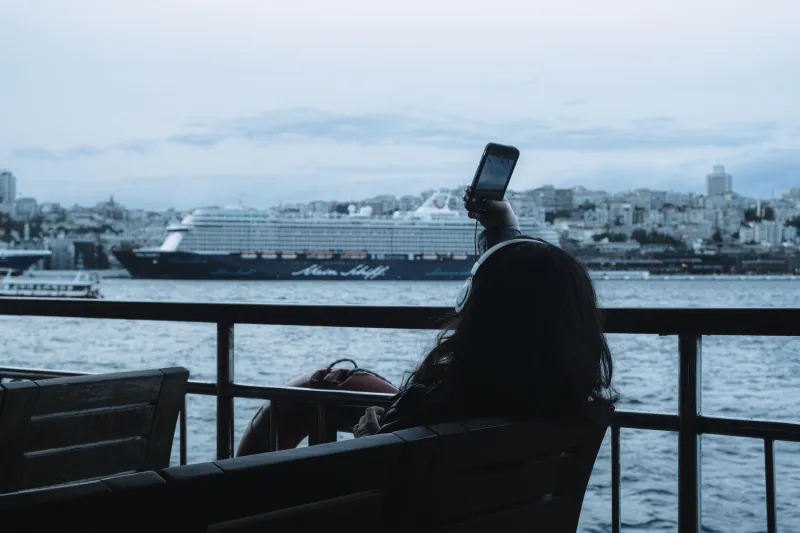
The horror stories are consistent enough to be a genre. A British holidaymaker boards a cruise in Southampton, keeps their iPhone in their pocket, barely uses it — and comes home to a bill north of £1,000. The culprit isn't usage. It's a phone quietly connecting to maritime satellite networks like Telenor Maritime while sitting in the middle of the North Sea.
The sea, it turns out, is the most expensive place on Earth to check your email.
Why Ships Are a Roaming Nightmare
When you're beyond the reach of coastal masts, your iPhone latches onto satellite-based maritime networks. These fall outside most UK networks' roaming allowances — even the generous 'free EU roaming' packages don't cover the high seas. Rates can run into several pounds per megabyte, and background activity (iCloud sync, app updates, email fetch) can chew through data before you've opened a single app.
Ferry passengers are exposed too. On longer crossings — Dover to Calais is brief, but Newcastle to Amsterdam or any of the Scottish island ferries — your phone can hop onto maritime networks mid-sail without you noticing.
The Five-Minute Pre-Boarding Ritual
Do this before you sail, not as the gangway disappears:
- Switch off Data Roaming (Settings > Mobile Data > Mobile Data Options > Data Roaming). This is the single most important toggle. With it off, your phone won't pull data over satellite networks, even if it connects to one.
- Turn off Wi-Fi Assist (Settings > Mobile Data, scroll to the bottom). It silently switches to cellular when Wi-Fi is patchy — and ship Wi-Fi is always patchy.
- Download before you go. Offline Google Maps for every port, Spotify playlists, Netflix episodes, boarding documents as PDFs. Assume zero connectivity at sea.
- Disable auto-updates and iCloud backup over mobile data, so nothing syncs if roaming accidentally gets switched on.
- Check your network's roaming page for the specific countries on your itinerary. Norway, Iceland and the Canary Islands are common cruise stops that are not covered by EU allowances.
The Lock Check You Should Do Before Any Trip
While you're in settings, it's worth confirming your iPhone is actually unlocked — especially if you bought it second-hand or on a contract. A carrier-locked phone won't accept a local eSIM or SIM card in your ports of call, forcing you onto your UK network's roaming rates for the entire trip. Head to Settings > General > About and look for 'No SIM restrictions' under Network Provider Lock. If it's locked, sort an unlock weeks before departure — leave it to the day before and you may be stuck.
eSIMs: Your Port-Stop Secret Weapon
For longer calls at foreign ports, a travel eSIM is transformative. Services like Airalo, Holafly or your own network's travel passes let you land, connect locally, and browse at local rates rather than roaming rates. But you can only install one if your handset is unlocked — another reason to check before you sail rather than from a quayside in Bergen.
Install and activate the eSIM while you still have Wi-Fi. eSIM activation at sea is a special kind of impossible.
The Bottom Line
A few minutes in Settings — roaming off, Wi-Fi Assist off, content downloaded, lock status confirmed, eSIM staged — is the difference between a relaxing cruise and a bill that costs more than the cruise. The sea doesn't care about your data cap. Make sure your iPhone knows that before you do.