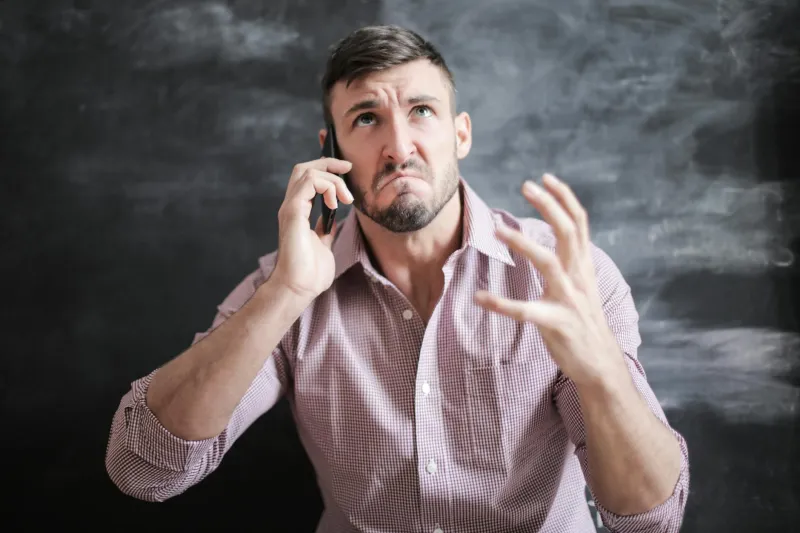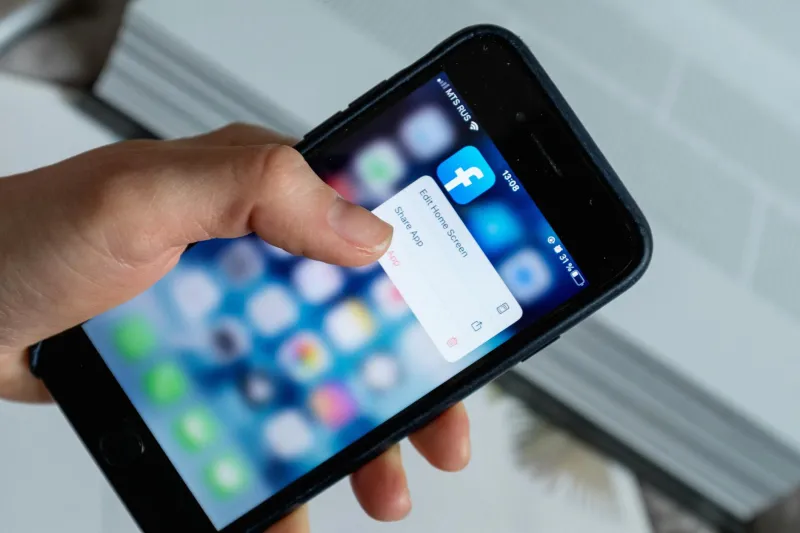
Every week, dozens of frustrated Brits contact us with the same heartbreaking story: they've bought what seemed like a brilliant iPhone bargain on Facebook Marketplace, only to discover their "new" handset is completely unusable due to Activation Lock. What started as a £200 saving has turned into a £200 loss, and there's precious little they can do about it.
If you're hunting for a second-hand iPhone on Facebook Marketplace, eBay, or Gumtree, this guide could save you from joining the ranks of scammed buyers across the UK.
What Exactly Is Activation Lock?
Activation Lock is Apple's anti-theft feature that's been quietly protecting iPhones since iOS 7. When enabled, it ties your device permanently to your Apple ID, making it virtually impossible for thieves to use stolen handsets. Brilliant for security, potentially disastrous for legitimate second-hand buyers.
Here's the rub: if the previous owner hasn't properly signed out of their Apple ID before selling, the iPhone becomes a very expensive brick. The device will demand the original owner's Apple ID credentials every time you try to set it up, restore it, or even turn off Find My iPhone.
The Scale of the Problem in the UK
Our research suggests that roughly 15% of second-hand iPhones sold through online marketplaces in the UK have Activation Lock issues. That's thousands of devices changing hands every month, leaving buyers out of pocket and sellers potentially facing fraud allegations.
The problem is particularly acute on Facebook Marketplace, where casual sellers often don't understand the technical requirements for properly preparing their iPhone for sale. Many genuinely believe that a factory reset is sufficient – it isn't.
Red Flags: Spotting Activation Lock Before You Buy
Smart buyers can avoid this trap entirely by knowing what to look for. Here are the warning signs that should send you running:
The Seller Won't Demonstrate Setup
Any legitimate seller should be happy to show you the iPhone completing a fresh setup process. If they claim the battery is dead, insist on seeing it plugged in and working. If they refuse or make excuses, walk away.
Suspiciously Low Prices
Whilst everyone loves a bargain, iPhones that are significantly below market rate often have hidden issues. Check current selling prices on CEX or Music Magpie to get a baseline – if the deal seems too good to be true, it probably is.
Vague or Missing Photos
Scammers often use stock photos or images that don't show the actual device screen. Insist on seeing photos of the iPhone displaying the setup screen or home screen with the seller's name visible on a piece of paper.
The "My Mate's Phone" Story
Be extremely wary of sellers claiming they're selling on behalf of someone else. Legitimate sales should involve the actual owner who knows the Apple ID credentials.
The Pre-Purchase Checklist
Before handing over any cash, follow this essential checklist:
1. Verify the iPhone Starts Fresh
Ask the seller to perform a factory reset in your presence, then show you the device booting to the "Hello" setup screen without asking for any Apple ID credentials.
2. Check Find My iPhone Status
On the setup screen, ensure Find My iPhone is genuinely disabled. The device should proceed through setup without requesting the previous owner's Apple ID.
3. Complete a Test Setup
If possible, connect to Wi-Fi and walk through the initial setup process. A clean iPhone should allow you to create a new Apple ID or sign in with your own without any prompts for the previous owner's details.
4. Verify the IMEI
Check the IMEI against Apple's official checker at checkcoverage.apple.com. This won't tell you about Activation Lock directly, but will confirm the device is genuine and not reported stolen.
What If You've Already Been Caught?
If you're reading this after already purchasing an Activation Locked iPhone, your options are unfortunately limited:
Contact the Seller
Your first port of call should be the original seller. They may genuinely not realise the issue and could help by signing out of their Apple ID remotely through iCloud.com.
Small Claims Court
For purchases over £100, consider Small Claims Court if the seller won't cooperate. Keep all evidence of the sale and communication.
Learn an Expensive Lesson
Sadly, many buyers simply have to write off their loss. This is why prevention is so crucial.
The Legitimate Removal Myth
Despite what various dodgy websites claim, there's no legitimate third-party service that can remove Activation Lock without the original owner's credentials. Apple will only remove it with proof of purchase from an authorised retailer – something most second-hand buyers won't have.
Protecting the UK's Second-Hand Market
As consumers, we can help clean up the second-hand iPhone market by:
- Only buying from sellers who demonstrate proper device preparation
- Reporting suspicious listings to marketplace operators
- Sharing knowledge about Activation Lock with friends and family
- Supporting sellers who take time to properly reset their devices
The Bottom Line
Activation Lock scams are entirely preventable with the right knowledge and a bit of patience. Yes, it means walking away from some seemingly great deals, but it's far better than losing hundreds of pounds on a glorified paperweight.
Remember: in the world of second-hand iPhones, if the seller can't demonstrate a clean setup process, they shouldn't get your money. Full stop.
The UK's thriving second-hand smartphone market benefits everyone when buyers and sellers understand these basics. Don't become another Activation Lock casualty – arm yourself with knowledge and shop smart.