Someone Else Is Living in Your iPhone: The Apple ID Hijack Crisis UK Police Are Ignoring
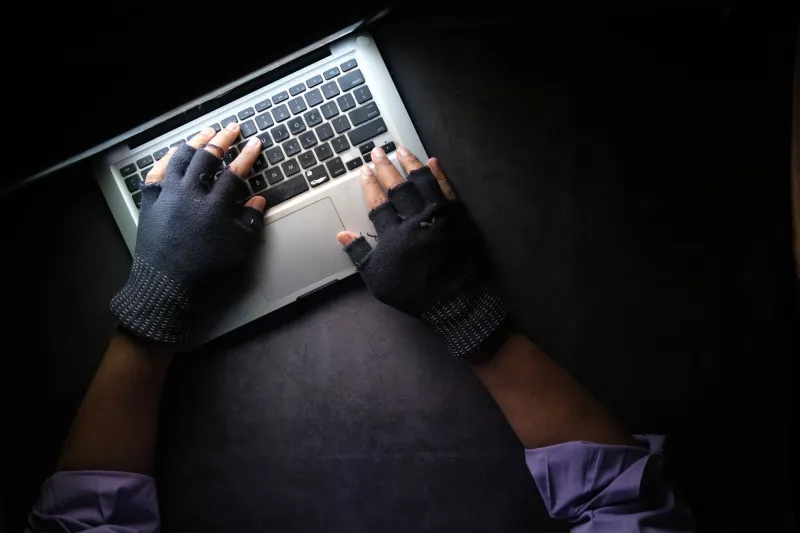
You wake up one morning, reach for your iPhone, and it's asking for a password you've never set. Your Apple ID email is gone. Your iCloud photos, your banking apps, your entire digital life — all sitting behind a lock that belongs to someone else now. Welcome to Apple ID hijacking, one of the fastest-growing forms of digital theft in the UK, and one of the least understood.
The cruel twist? The person who stole your account didn't nick your phone off a café table. They took it from their sofa, probably hundreds of miles away. And when you ring 101 to report it, there's a very good chance the officer on the other end will tell you it's a civil matter.
It isn't. But that won't stop them saying it.
How Hijackers Actually Get In
Most people imagine account takeovers involve sophisticated hacking. The reality is far more mundane — and far more preventable. The most common method in the UK right now is SIM swapping, where a criminal contacts your mobile network, convinces them they're you, and gets your number transferred to a SIM they control. Once they have your number, resetting your Apple ID password via SMS verification becomes trivially easy.
Phishing is the other big one. A convincing text or email — often mimicking an Apple security alert — tricks you into entering your credentials on a fake login page. These pages are frighteningly good these days. Some even replicate the two-factor authentication flow to capture your verification codes in real time.
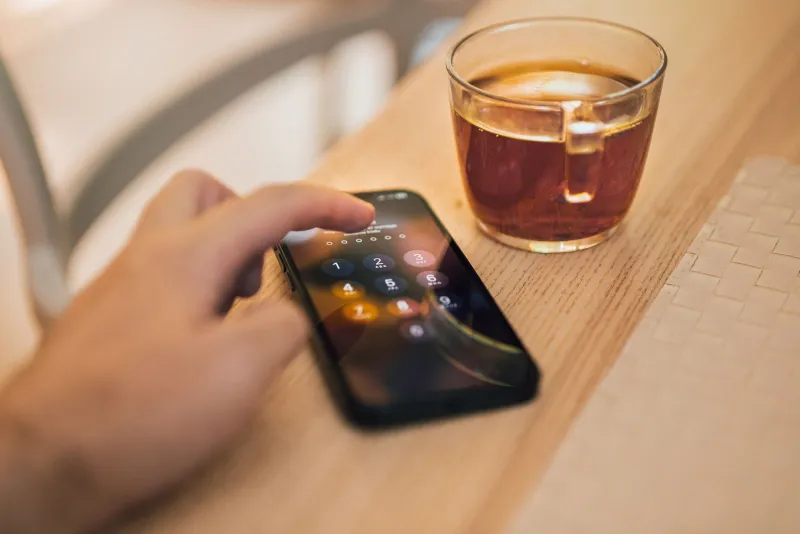
There's also what security researchers call "shoulder surfing with intent" — criminals in busy places like the London Underground or shopping centres watching you enter your passcode, then engineering a way to physically grab your phone. Once they have both the passcode and the device, they can change your Apple ID password directly in Settings before you've even noticed it's gone.
The Warning Signs You're Already Compromised
By the time most victims realise something is wrong, the hijacker has already changed the recovery email, the trusted phone number, and sometimes even the Apple ID itself. But there are earlier signals worth knowing:
- Unexpected password reset emails from Apple that you didn't request
- Your iPhone asking you to re-enter your Apple ID password without obvious reason
- Sign-in notifications from unfamiliar locations in your Apple ID activity
- Your mobile number suddenly losing signal — a classic sign of an in-progress SIM swap
- Purchases appearing in the App Store that you didn't make
If any of these happen, don't wait to see if it resolves itself. Act immediately.
What to Do in the First 30 Minutes
Time is genuinely critical here. The faster you move, the more you can salvage.
First, go straight to appleid.apple.com from a browser — ideally on a different device. If you can still log in, change your password immediately, review your trusted devices, and remove any you don't recognise. Check the recovery contact details and change them if anything looks unfamiliar.
If you're already locked out, use Apple's Account Recovery process. This is painfully slow — it can take several days — but it's the legitimate route back in. Apple will verify your identity through a combination of device history, payment records, and security questions.
While that's in progress, contact your mobile network and ask them to add a SIM swap freeze to your account. Most UK carriers will do this on request, though you may have to push for it. This prevents anyone from porting your number without additional in-person verification.
Also notify your bank. If your banking apps were accessible through that iPhone, assume the hijacker has seen them. Fraud teams at UK banks are well-versed in this kind of case and can monitor for suspicious activity.
The Police Problem
Here's where things get genuinely frustrating. Under the Computer Misuse Act 1990, unauthorised access to a computer system — which absolutely includes your Apple account — is a criminal offence. This isn't a grey area. It's black and white law.
And yet, Action Fraud (the UK's national fraud reporting centre) is notoriously slow, and local police forces frequently misclassify these incidents as civil disputes. Victims are handed a crime reference number and essentially told to sort it out with Apple themselves.
This matters beyond the obvious injustice of it. Without a crime reference number that correctly classifies the offence, your insurance claim may be harder to pursue. Some home contents policies cover cybercrime — but only if the police documentation is accurate.
When you report, be explicit. Use the phrase "unauthorised access under the Computer Misuse Act." Say the word "theft" where financial loss has occurred. Ask specifically whether the officer is logging it as a cybercrime. Push back if they try to redirect you to Apple's support team — that's not their call to make.
Hardening Your Account Before It Happens
Prevention is, predictably, far less painful than recovery. A few changes can make your Apple ID dramatically harder to compromise.
Switch from SMS-based two-factor authentication to using a physical security key if possible — Apple supports FIDO2 keys on accounts set to Advanced Data Protection. At minimum, ensure your two-factor codes go to a trusted device, not just a phone number that can be SIM-swapped.
Set a strong, unique password for your Apple ID that you don't use anywhere else. Use a password manager — 1Password and Bitwarden both have strong UK user bases. Enable Screen Time with a separate passcode; this adds an extra layer before anyone can change your Apple ID from the device itself.
Also worth doing: tell your mobile network you want to add a verbal password or PIN to your account for any changes. EE, Vodafone, O2 and Three all offer this, though the quality of enforcement varies.
The Bigger Picture
Apple ID hijacking isn't just an inconvenience — it's a complete device seizure. Once a criminal controls your Apple ID, they effectively own your iPhone through Activation Lock. They can wipe it, lock it, and sell it on. You're left with a brick and a crime number.
The system, bluntly, isn't built for victims. Apple's recovery process is slow by design (to stop hijackers using it). Police resourcing for cybercrime is thin. And the gap between those two realities is where victims fall.
Knowing the steps, knowing your legal rights, and hardening your account now — before anything happens — is the only reliable protection. Don't wait for a wake-up call that arrives at 3am when your phone goes dark and someone else's name appears on your lock screen.