Free Wi-Fi, Expensive Consequences: How Britain's Public Hotspots Are Quietly Raiding Your iPhone

Photo: Santa Monica Mountains National Recreation Area, Public domain, via Wikimedia Commons
Free Wi-Fi, Expensive Consequences: How Britain's Public Hotspots Are Quietly Raiding Your iPhone
Let's be honest. The moment you see that 'NHS Guest Wi-Fi' or 'McDonalds Free WiFi' network pop up on your iPhone, you connect. Of course you do. Mobile data is expensive, signal is patchy, and your phone battery isn't going to last forever burning through 4G. Free Wi-Fi is one of modern life's small mercies.
Except it isn't always free. Sometimes the cost is your banking credentials, your email password, or access to your Apple ID. You just don't get the bill immediately.
This isn't scaremongering. The security vulnerabilities associated with public Wi-Fi networks are well-documented, widely exploited, and — here's the part that should really annoy you — almost completely preventable with a few changes to your iPhone settings. The tragedy is that almost nobody makes those changes.
The Myth of iPhone Invincibility
Before we get into the specifics, let's address the elephant in the room: the widespread belief that iPhones are somehow immune to security threats on public networks.
They aren't. Not even slightly.
Apple's iOS is genuinely excellent at preventing malware installation and resisting certain categories of attack. The App Store's vetting process, sandboxed app architecture, and regular security patches make iOS significantly more resilient than many alternatives. But none of that protects you from threats that operate at the network level rather than the device level.
When you connect to a compromised Wi-Fi network, the attack happens between your iPhone and the internet — not on your iPhone. Apple's security architecture has essentially no jurisdiction there. Your device can be perfectly clean and still have your data intercepted in transit.
How the Attack Actually Works
The most common threat on public Wi-Fi is the man-in-the-middle (MITM) attack. The name describes it precisely: an attacker positions themselves between your device and the network, intercepting traffic flowing in both directions.
In practice, this often involves an attacker setting up a rogue access point — a fake Wi-Fi network with a convincing name. 'NHS Guest WiFi' and 'NHS_Wifi_Free' can coexist in the same hospital corridor, and your iPhone may connect to the malicious one automatically if it has a stronger signal or if you've previously connected to a similarly-named network.
Once connected, the attacker can potentially see unencrypted traffic, attempt to downgrade HTTPS connections to HTTP (where data travels in plain text), inject malicious content into web pages you're browsing, and harvest session cookies that allow them to access your accounts without needing your password.
A second technique, increasingly common, involves exploiting the automatic network joining behaviour of iPhones. Your device stores networks you've previously joined and reconnects to them automatically. Attackers create hotspots named after commonly-remembered networks — 'Virgin Media WiFi', 'BT Wi-Fi', 'Sky WiFi Guest' — knowing that millions of iPhones will connect without user input.
The UK Networks You Need to Be Wary Of
Britain has several ubiquitous free Wi-Fi networks that appear in locations across the country. Each carries its own risk profile.
NHS Wi-Fi is available in hospitals, GP surgeries, and clinics nationwide. These networks vary wildly in security configuration depending on the trust operating them. Some run enterprise-grade security; others are essentially consumer-grade routers. The real risk isn't the NHS network itself — it's the attacker who sets up a convincingly-named fake in the car park or waiting room.
Public library Wi-Fi (provided by councils through various contractors) is generally legitimate but often unencrypted or minimally secured. Library networks in smaller authorities may not have been updated in years.
McDonald's and major fast food chains run relatively consistent Wi-Fi infrastructure, but their openness is the problem. Anyone in the building can be on the same network as you, and network-level attacks don't require external access.
Transport for London's Wi-Fi on the Underground is provided by Virgin Media and is reasonably well-managed, but busy stations create ideal conditions for rogue hotspot deployment — large crowds, many devices, high connection churn.
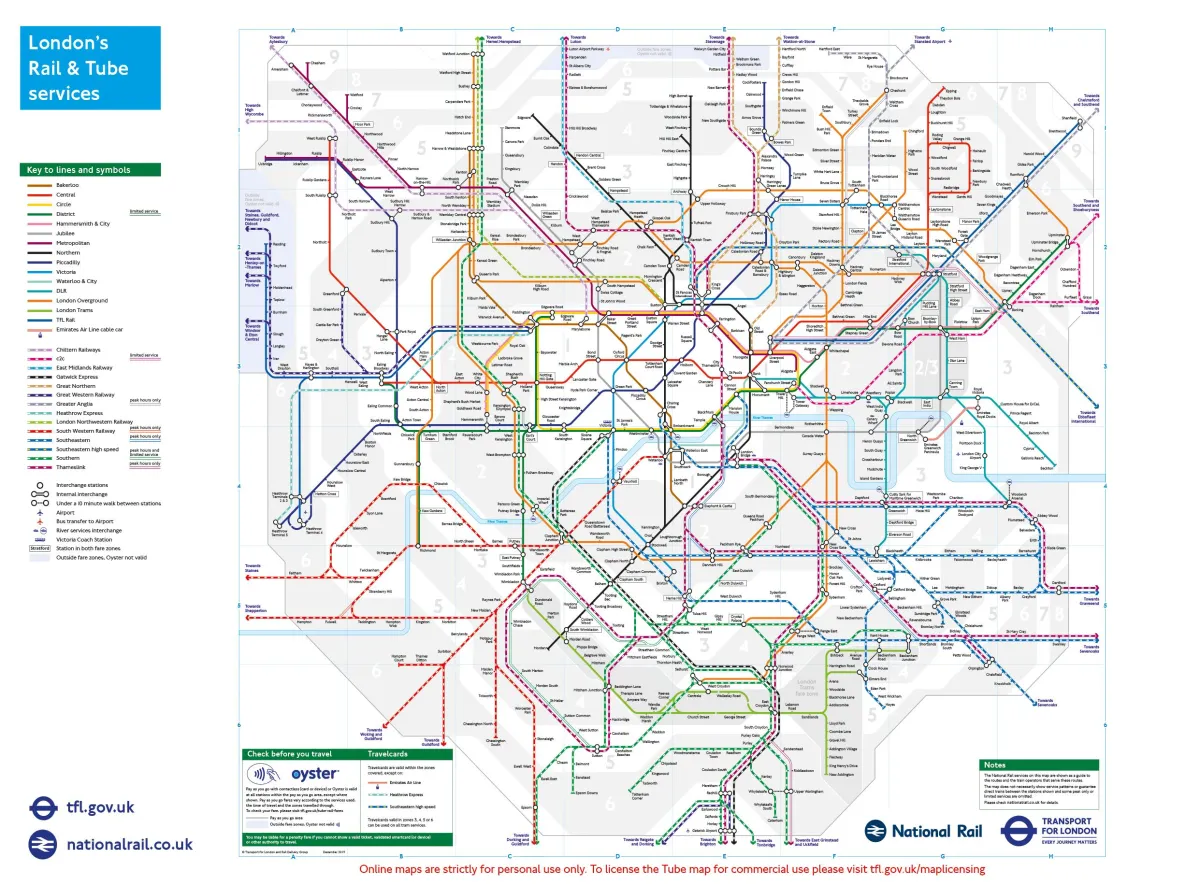 Photo: Transport for London, via maps-london.com
Hotel Wi-Fi deserves special mention. Business travellers and tourists connecting in hotels are high-value targets, and hotel networks are notoriously inconsistent in their security standards.
The iPhone Settings That Actually Make a Difference
Here's the practical bit. These changes take about four minutes in total and meaningfully reduce your exposure.
Turn Off Auto-Join for Public Networks
Go to Settings > Wi-Fi and tap the information icon next to any saved public network. Toggle off 'Auto-Join'. Better still, tap 'Forget This Network' for any public hotspot you don't absolutely need saved. This prevents your phone from silently connecting to networks — legitimate or fake — without your knowledge.
Disable 'Ask to Join Networks' Notifications
In Settings > Wi-Fi, set 'Ask to Join Networks' to 'Off' or 'Notify'. This stops your iPhone from broadcasting the fact that it's hunting for a network, which itself can be exploited.
Use a VPN — Consistently
A VPN (Virtual Private Network) encrypts your internet traffic before it leaves your device, making it unreadable to anyone intercepting it on the network. There are dozens of reputable options available on the App Store. Paid services from providers like Mullvad, ProtonVPN, or ExpressVPN are worth the modest subscription cost. Enable it before connecting to public Wi-Fi, not after.
Check for the Lock Icon Obsessively
Whenever you're on public Wi-Fi, look for the padlock icon in your browser's address bar before entering any credentials. HTTPS doesn't guarantee safety, but its absence is a red flag you should never ignore.
Keep iOS Updated
This sounds obvious, but a surprising number of iPhones in Britain are running outdated iOS versions. Apple patches security vulnerabilities regularly — many of which relate to network behaviour. Settings > General > Software Update should never have a red notification badge sitting on it.
Turn Off Wi-Fi When You're Not Actively Using It
If you're not browsing, turn Wi-Fi off. Your iPhone won't be scanning for and connecting to networks it shouldn't. The battery saving is a bonus.
The iCloud Factor
There's a specific risk worth flagging for iPhone users in particular: iCloud credential harvesting.
Fake Wi-Fi portals — the login pages that appear when you first connect to a network — can be designed to mimic Apple's sign-in page. Users who enter their Apple ID and password into a convincing fake portal hand over the keys to their entire Apple ecosystem: photos, contacts, notes, Find My location data, and potentially payment details.
Apple will never ask you to sign into your Apple ID through a Wi-Fi portal page. If you see an Apple-branded login prompt after connecting to a public network, close it immediately and disconnect.
Travelling Around the UK? It Gets Worse
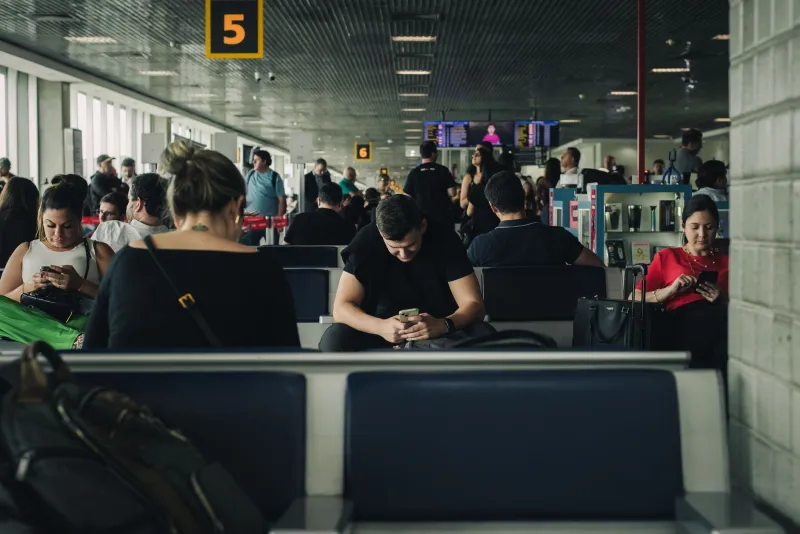
For readers who travel regularly — whether for work or leisure — the risk profile compounds. Airports, train stations, and tourist attractions are prime hunting grounds for attackers precisely because the transient population means victims are harder to trace and less likely to be local enough to report an incident.
Gatwick, Heathrow, Manchester Piccadilly, and Edinburgh Waverley all have legitimate free Wi-Fi. They also have thousands of people connecting devices daily, creating ideal cover for malicious hotspots. If you're travelling through any major UK transport hub, your VPN should be on before your feet hit the terminal floor.
 Photo: Edinburgh Waverley, via a.cdn-hotels.com
The Bottom Line
Your iPhone is one of the most secure consumer devices ever made — within its own walls. Step outside those walls onto a public network and you're operating in territory Apple can't fully protect. The responsibility shifts to you.
Four minutes of settings changes and a VPN subscription that costs less than a monthly coffee will put you significantly ahead of the vast majority of public Wi-Fi users in Britain. The alternative is finding out the hard way that 'free' Wi-Fi isn't always the bargain it appears to be.